
How Can We Help?
Uncategorized
- Articles coming soon
< All Topics
Print
Adding Users
Posted
Updated
- Make the subscription for the account (if selling it or setting the gateway up for someone else)

- Otherwise go straight to the users menu
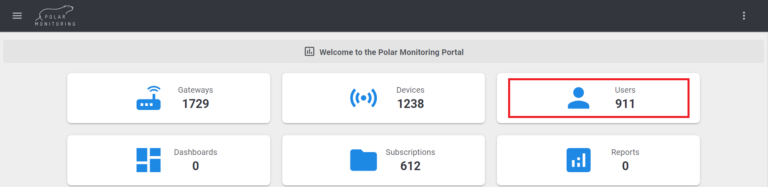
- Click invite user icon

- Fill in details and role
- Note to be cautious when choosing the roles as these will give access to the system based on their permissions granted. (User Roles)
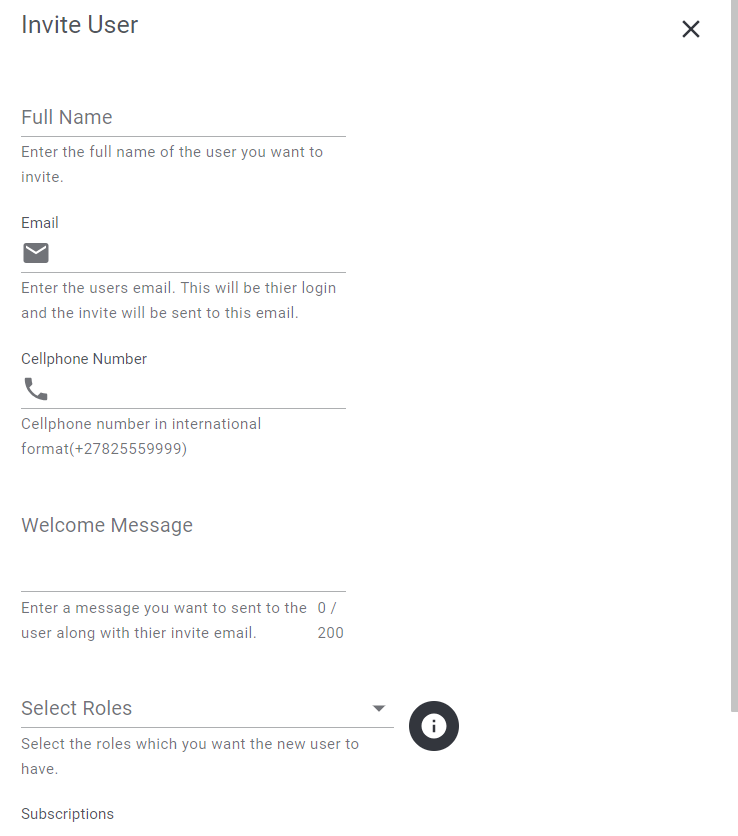
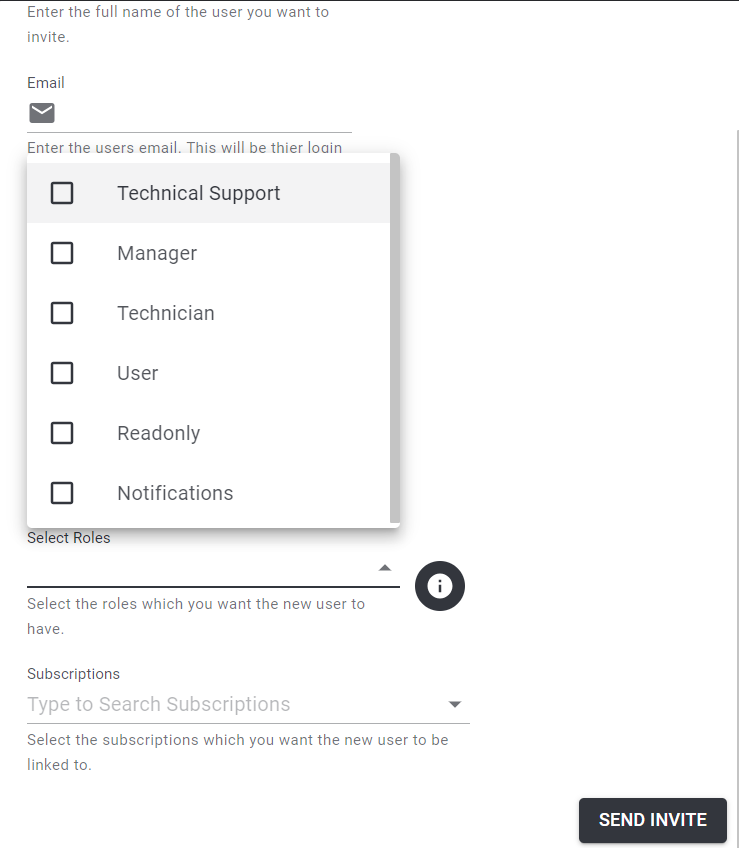
- This will then send an email to the user to complete their account setup.
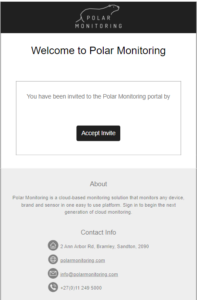
- Once completed they will then be able to access the account immediately.
Table of Contents